5 food styles
Your nutritional e-assistant
Knows your taste and taste
He chooses meals for you
Change the menu and voice delivery
Macro always at hand
Freshness and quality
5 food styles
Your nutritional e-assistant
Knows your taste and taste
He chooses meals for you
Change the menu and voice delivery
Macro always at hand
Freshness and quality
headerheader mobile

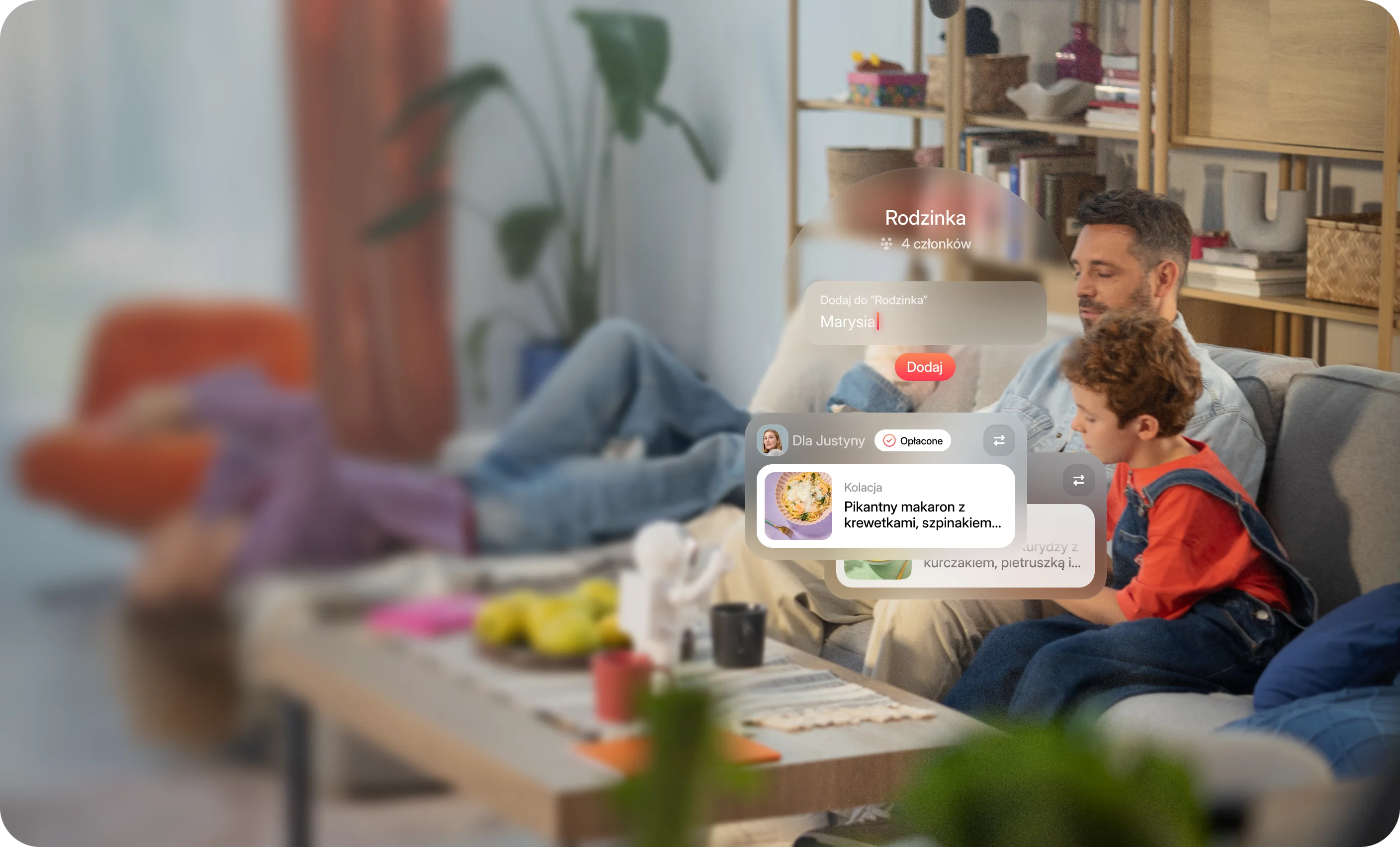
Order and go together - with the whole family

Common payments, personal menu and full control over who orders what. One account - many appetites.
header asset

One account for the whole family. You order, assign meals, pay. Eating together. Full control.

bgbg mobile
Family group

Eat together. Order your own way.

With a family group you embrace everything in one place - from invitations and privacy settings to payment and joint orders. Convenient. Clearly. Together.

Instead of guessing - you manage.
assistant card bg

All in one application. You create a group of up to 10 people and manage orders without switching accounts.

family slider card 1
assistant card bg

One payment. You pay all meals with one card, transfer or voucher. It is not easier.

family slider card 2
assistant card bg

Menu for everyone. Everyone gets their own - according to appetite, preferences and plan.

family slider card 3
assistant card bg

View of meals together. You see what others eat. You can plan your day better and not duplicate orders.

family slider card 4
assistant card bg

Full privacy control. You decide what you share to the group - and change it whenever you want.

family slider card 5
How family groups work

One place, many appetites. Zero chaos.

how it works bg
How family groups work

One place, many appetites. Zero chaos.

Put on a group in a few seconds

In your profile you will create a family group, to which you can invite up to 10 people. You send invitations by email and members attach one click in the application. You can add and remove people at any time.

Share what you want

Everyone decides what provides to others - orders, payments, diet history or vouchers. You determine the visibility of your data. You can always change your mind.

One order for everyone

You order once, assign meals to specific people and pay with one click. Everyone gets their dishes - exactly as they like.

View together (or not - if you prefer privacy)

Group members can see what others eat if you turn on this option. Ideal for joint planning and inspiration. You can also keep privacy - and have your own corner.
proof

One account. Many appetites.

Order, pay and manage orders of the whole family in one place. Without switching between accounts

FAQ

Jak to ugryźć? Już odpowiadamy

Don't you see the answer to your question here? Write to us, we are happy to dispel doubts.

What is Foodify Family Group?

Family Group is a feature that allows the whole family or group of friends to use Foodify in one place. One account, individual profiles, and shared payments. Everyone eats their own way, and the bill is paid by whoever has the card, usually dad 😉

How many people can I add to the Family Group?

You can create a group for up to 10 people. Everyone has their own profile, dietary preferences, and meal plan. You decide who joins and what permissions they have. The group administrator always has full control.

How do I set up a Family Group?

Go to your profile in the app and select "Create Family Group". Add your loved ones' email addresses, and they'll join with one click from the invitation. You can add and remove members at any time, without formalities and without time limits.

Does everyone in the group see my orders?

No, only if you enable it. Foodify gives you full privacy control. You can share your orders, diet plan, FoodiCard, or meal history with others. Or keep everything to yourself. You decide what others see.

Can I order for the whole family from one place?

Yes. In the app, you have an overview of plans and preferences of all group members. You can assign specific meals to selected people and pay for everyone with one click. Everyone gets their package, exactly as they ordered.

How do shared payments work?

You can pay for all orders from the group with one transfer, card, or FoodiCard. The system automatically counts the cost of the entire group, so you don't have to settle with everyone separately. It's simple and fast.

Can everyone pay for themselves?

Yes, if you set it that way. You can choose whether the payment should be shared or individual, where each group member pays for their own meals. You have full flexibility, and settings can be changed at any time.

Can I have different plans for each family member?

Of course. Everyone in the group has their own profile, preferences, calorie content, and meal plan. Mom can use Choice from Menu, dad Eat As You Want, and the child Kids Menu. Everything works in one system, so you see the whole picture in one calendar.

Can I track what other group members are eating?

Yes, if you enable this option. You can peek at plans, see what others are eating, or be inspired by their choices. It's a great tool for joint planning and conversations about food at one table. And if you prefer privacy, just turn off visibility.

How does the e-Assistant support the Family Group?

The e-Assistant works with each profile individually. It remembers preferences, tastes, and choices of each group member. It can also suggest shared solutions, for example dishes that everyone likes, or remind you if someone hasn't planned their day. This way, you manage the whole family easily and without chaos.

Does the Family Group only work for families?

No. You can create a group with whoever you want—a partner, roommate, work team, or friends. Foodify adapts to any lifestyle and relationship. Family Group is simply a convenient way to jointly order and settle food.

What happens if someone from the group stops ordering?

Nothing happens. A group member can pause their orders or leave the group at any time. You still have access to history and the calendar, and the e-Assistant automatically updates the plan and payments.

Can I change the group administrator?

Yes. You can transfer the administrator role to another person in the group at any time. The new administrator takes control over invitations, payments, and privacy settings.

Why is it worth using the Family Group?

Because it saves time, money, and nerves. Everything is in one place: plans, orders, payments, and preferences of all loved ones. One app, one e-Assistant, and one calendar. Everything planned, paid for, and organized. Together, but without chaos.